
An AI chatbot can answer after hours. It can also confuse customers, hide your phone number, and burn a month of budget before you notice.
I talk to owners who buy a chatbot the same week they buy a new logo. The pitch is simple: “never miss a lead.” The demo looks smooth. Then the bot invents prices, can't book a real slot, and the shop still misses calls because nobody owns the inbox.
This checklist is for small and mid-size teams who want a bot that helps, not a bot that performs. It's not a vendor bake-off. It's the short list I use before anyone signs a monthly plan.

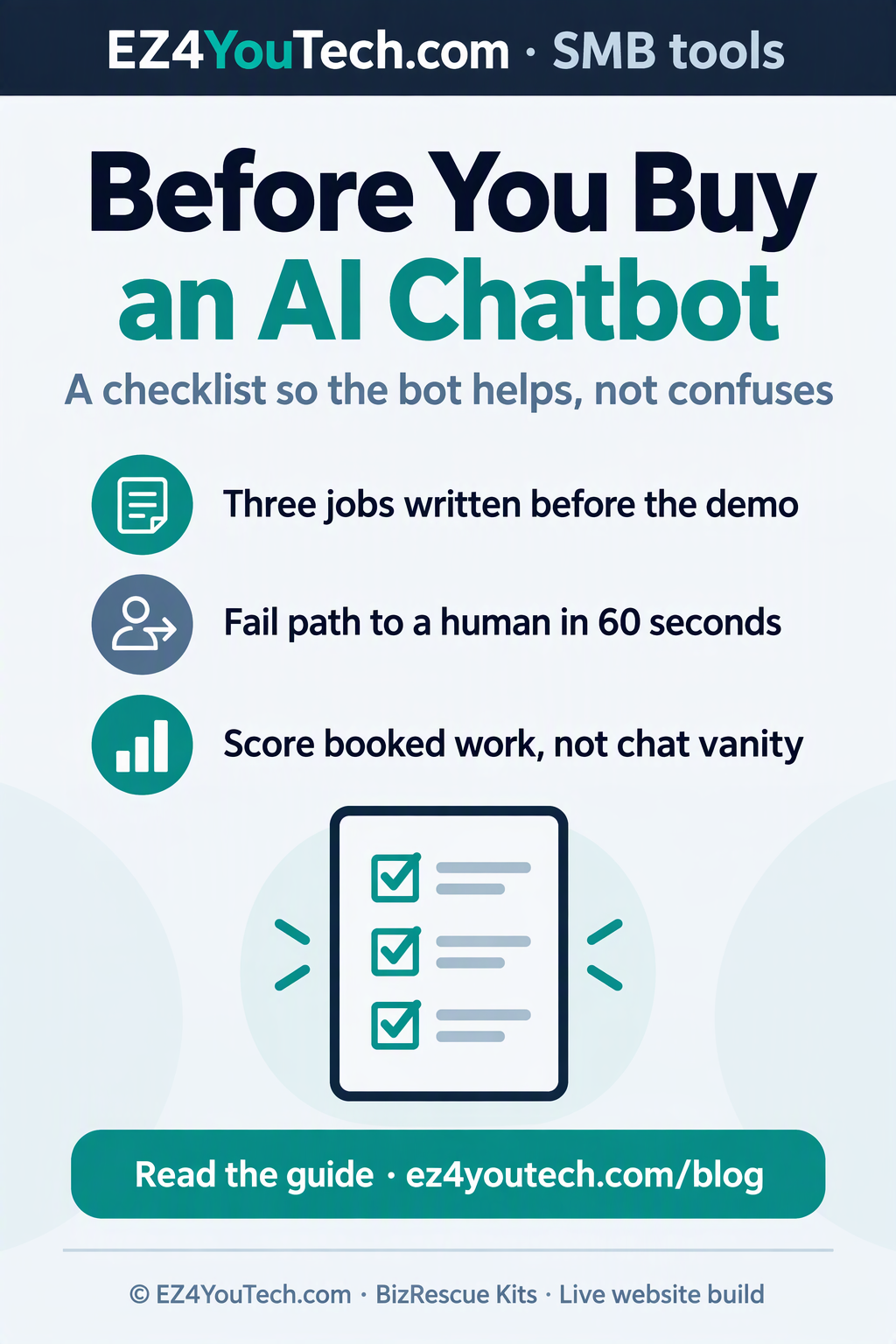
1. Name the three jobs the bot must do
I make owners write the jobs on one page before you watch a demo. Typical jobs for a local shop:
- Answer “are you open / do you serve my city / what do you charge for X” with honest limits.
- Capture name, phone, and the real problem in under two minutes.
- Hand off to a human with a clean summary when the ask is money, risk, or scheduling.
If the vendor can't show those three jobs on your site content, stop. Fancy personalities don't fix a missing services page.
2. Demand a fail path that reaches a human
I ask this out loud in the sales call: “When the bot is unsure, what happens in the next sixty seconds?” You want a click-to-call, a form that pages someone, or a calendar hold. You don't want “I can try again” forever.
Test it yourself. Type nonsense. Type a complaint. Type a price fight. If the bot keeps chatting with no escape hatch, customers will rage-quit. Your review score will show it later.
3. Check where the answers come from
Good bots read your services, hours, and FAQs. Weak bots freestyle. Ask which pages or docs feed the answers. Ask how you update a price without waiting on a ticket.
If the only training step is “paste your URL,” expect wrong numbers. Local shops change specials weekly. Your bot must follow the same source of truth your staff uses.
4. Measure handoffs, not chat volume
Vendors love to show message counts. You should track:
- Leads with a real phone number
- Booked jobs or booked calls within 24 hours
- Escalations that a human closed
- Complaints that mention “the robot”
A quiet week with five booked jobs beats a loud week with two hundred empty chats. Put those numbers in the contract review, not in a vanity dashboard.
5. Privacy, retention, and who can see the chats
Ask where transcripts live, how long they stay, and who on their team can read them. If you serve healthcare-adjacent, legal, or kids’ programs, pause and get counsel. For most shops, you still need a plain rule: don't paste card numbers into chat, and purge junk weekly.
Also ask whether the vendor trains their public models on your chats. If they can't answer in one sentence, treat that as a red flag.
6. Price the full month, not the sticker
Add seats, overage messages, SMS fees, setup hours, and the staff time to clean bad answers. A “cheap” bot that needs daily babysitting is not cheap.
Run a two-week pilot with a kill date. Keep your old phone flow online. Don't cut the main number until the bot proves handoffs for real customers.
7. Fit the bot into your kit, not the other way around
On EZ4YouTech.com we treat chat as one channel next to call capture and a clear site. If your site still hides services and contact, fix that first. A bot can't save a maze.
BizRescue Kits start with the leak you feel this week: missed calls, weak reviews, dead follow-up. A chatbot is optional gear. It's not the whole rescue.
One-page buying scorecard
- Three jobs written and demoed on your content
- Fail path to a human in under sixty seconds
- Known answer sources you can edit
- Metrics tied to booked work, not chat vanity
- Clear data retention answer
- All-in monthly cost with a pilot kill date
- Site and phone flow still work if the bot dies
If a vendor fails two or more items, walk. There will be another demo next month. Your customers will not wait for a bot that argues with them after hours.
Common bot pitches that waste a month
Here are lines I hear every week, and what I say back.
“It sounds just like your best receptionist.” Maybe in the demo. On your messy FAQ it will guess. Ask for a recording of the bot answering your real top ten questions from last month’s inbox, not the vendor’s sample salon.
“Unlimited chats.” Unlimited weak chats are not a prize. Cap evaluation on booked work. If the plan punishes you for traffic spikes during a storm or a viral post, model that cost before you sign.
“We train on your whole website overnight.” Whole-site crawls pick up old blog prices, PDF menus, and careers pages. Prefer a short allow-list of URLs you control.
“No code required.” Fine for install. Still require a named owner in your shop who reviews transcripts twice a week for the first month. Unowned bots rot in public.
A two-week pilot script
Day 1: freeze the three jobs and the fail path. Day 2: connect only the allow-listed pages. Day 3: staff training, fifteen minutes, with screenshots of good and bad handoffs. Days 4 to 10: real traffic with the main phone number still live. Day 11: scorecard review with the owner. Day 14: keep, change vendor, or kill.
Write the kill criteria before day 1. Example: fewer than eight real phone captures in two weeks, or two customer complaints that name the bot. Pre-agreed exits stop sunk-cost arguments.
Staff script for handoffs
When the bot pages a human, the human should open with the facts already captured: name, city, job type, and urgency. Don't make the customer repeat the whole story. If your team ignores bot leads for hours, the software is not the bottleneck. Fix response time first.
Put the handoff rules on one printed card near the phone. Bots don't fix culture. Clear ownership does.
When you should not buy a chatbot yet
Skip the purchase if your Google profile hours are wrong, your site has no services URL, or nobody answers the phone during lunch. Fix those leaks with a checkup or a kit. Add chat after the basics stop leaking.
Integration checks most demos skip
Ask whether the bot can pass UTM or campaign tags into your CRM. Ask whether after-hours chats create the same lead object your day staff already uses. If the bot invents a second inbox nobody watches, you bought a silo.
Also confirm mobile behavior. Many shoppers chat from Maps on a phone. If the widget covers the click-to-call button, you traded a sure call for a maybe chat. Move the widget. Protect the call button.
Print the scorecard. Take it to every demo. Vendors who refuse the fail-path test are telling you how support will feel after you pay.
Further reading and next step
Walk your own site like a stranger tonight. Try to book without calling. Note every dead end. Those dead ends are what a bot will amplify unless you fix the pages first. When you want a live build or a kit path, start with the free checkup, then add chat only after the three jobs above are real.
Image credits
- Planning desk · Photo on Unsplash (1556745757-8d76bdb6984b)
- Chatbot checklist flyer · Art: EZ4YouTech.com (Designer)
Next step
More plain-language notes for local shops and BizRescue kits.